Skip to content
CodeCheck Driver

Diagnostic Guides

Practical guides for curious drivers

How to read a code with a basic scanner

A plain walkthrough of connecting a code reader and writing down what it shows.

  1. Turn the vehicle off and locate the diagnostic port under the dash.
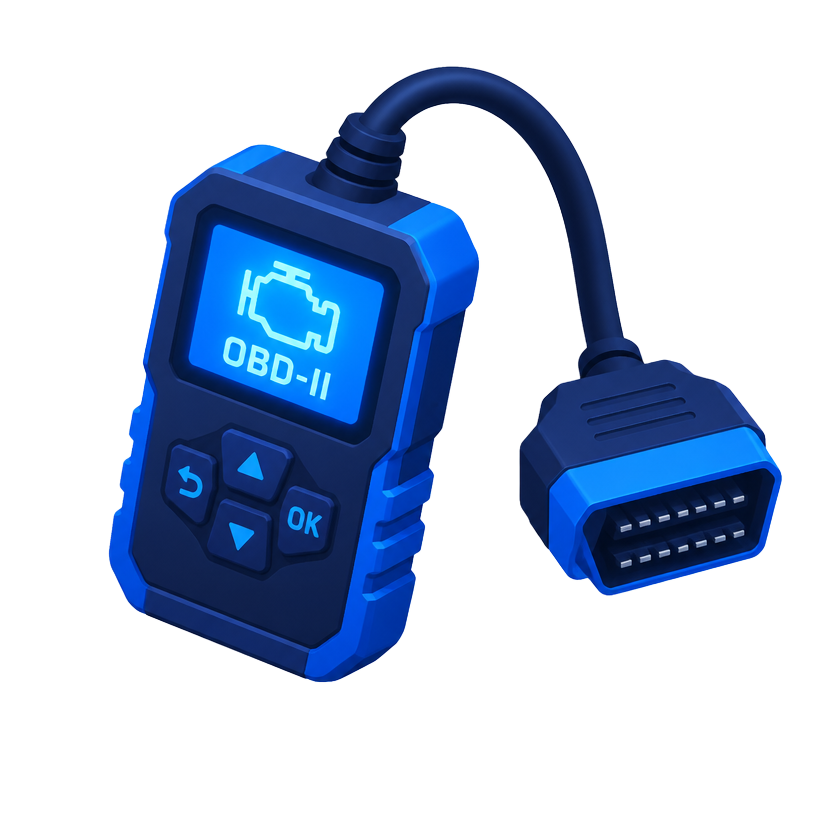
  2. Plug in the scanner and turn the key to the on position, or start the engine if the tool asks.
  3. Choose read codes and note each code, including pending codes.
  4. Record freeze frame data if your tool supports it.
  5. Look up each code's general meaning before deciding next steps with a technician.

Choosing a scanner: readers vs. scan tools

What separates a simple code reader from a scan tool with live data.

  1. Basic code readers show and clear generic powertrain codes.
  2. Mid-range scan tools add live sensor data and readiness monitor status.
  3. Bluetooth adapters pair with a phone app and vary widely in features.
  4. Advanced tools may read body, chassis, and manufacturer specific codes.

Why clearing a code is not a repair

Clearing turns off the light but does not fix the underlying cause.

  1. Clearing erases the stored code and freeze frame data.
  2. Readiness monitors reset and must complete again through normal driving.
  3. If the fault remains, the code will return.
  4. Write codes down before clearing so the history is not lost.

Understanding sensors behind common codes

A short tour of the sensors that feed the engine computer.

  1. Oxygen sensors measure exhaust oxygen to help balance fuel.
  2. The mass airflow sensor measures incoming air.
  3. Coolant temperature sensors inform warm-up and fan control.
  4. Crankshaft and camshaft sensors track engine position and timing.
Get Diagnostic Tips